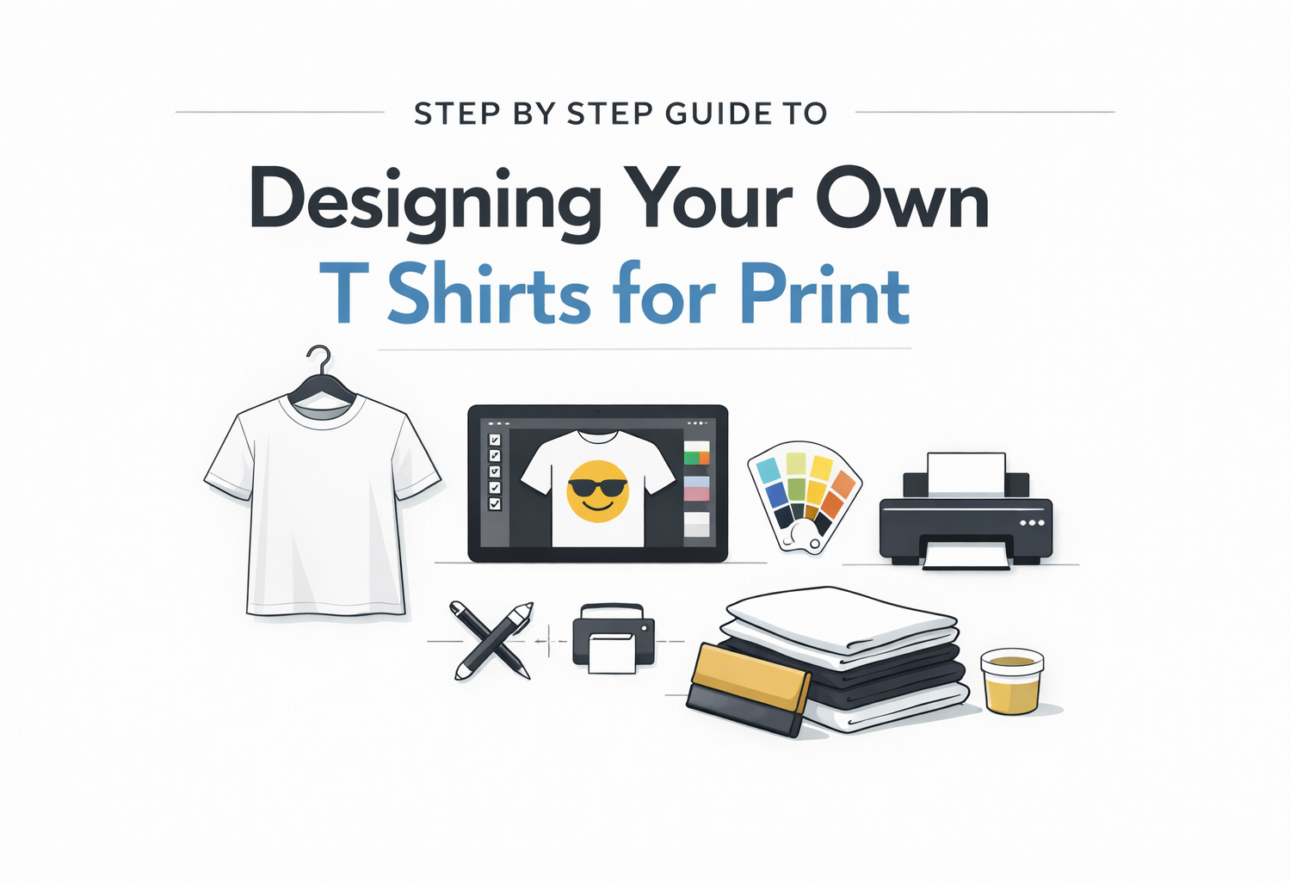
Designing a T shirt for print is not about creativity alone. It is about preparing artwork that prints correctly. Most print problems happen because files are not set up properly. Follow these steps to avoid wasted shirts and reprints. Start by defining the purpose of the T shirt. A design for staff uniforms is different from a design for events or promotions. Purpose determines size, placement, color use, and printing method. Decide this first before working on any artwork. Choose the shirt color and fabric early. Cotton works best for screen printing. Polyester or blends are used for sportswear and sublimation. Shirt color affects ink visibility. Light designs do not work on light shirts. Dark shirts need high contrast artwork. Select the printing method before finalizing the design. Screen printing works best for bulk orders with limited colors. DTG printing supports detailed and multi color designs but costs more per shirt. Heat transfer and vinyl work well for names and numbers. Sublimation works only on light polyester shirts. Create the design using proper software. Use tools such as Adobe Illustrator, Photoshop, CorelDRAW, or Canva Pro. Avoid screenshots or copied images from the internet. These files usually print blurred and pixelated. Set the design at actual print size. A standard front chest design is usually 10 to 12 inches wide. A left chest logo is about 3 to 4 inches. Back prints can be larger depending on shirt size. Never rely on scaling during printing. Use high resolution artwork. Files should be 300 DPI at full size. Vector files are preferred because they scale without quality loss. Accepted formats usually include AI, EPS, PDF, PSD, or PNG. Choose colors carefully. For screen printing, fewer colors reduce cost and improve consistency. Avoid gradients and very thin lines unless using DTG printing. Confirm color mode with your printer. Some require CMYK or spot colors. Check readability and contrast. Text should be readable from a distance. Thin fonts and small details may not print cleanly on fabric. Always preview the design on the actual shirt color. Export the file exactly as requested by the printer. Flatten layers if needed. Remove unused elements. Check spelling and alignment before sending. Good printing starts with correct preparation. Clear files, correct sizing, and early communication prevent mistakes and save time.
Designing a T shirt for print is not about creativity alone. It is about preparing artwork that prints correctly. Most print problems happen because files are not set up properly. Follow these steps to avoid wasted shirts and reprints.
Start by defining the purpose of the T shirt. A design for staff uniforms is different from a design for events or promotions. Purpose determines size, placement, color use, and printing method. Decide this first before working on any artwork.
Choose the shirt color and fabric early. Cotton works best for screen printing. Polyester or blends are used for sportswear and sublimation. Shirt color affects ink visibility. Light designs do not work on light shirts. Dark shirts need high contrast artwork.
Select the printing method before finalizing the design. Screen printing works best for bulk orders with limited colors. DTG printing supports detailed and multi color designs but costs more per shirt. Heat transfer and vinyl work well for names and numbers. Sublimation works only on light polyester shirts.
Create the design using proper software. Use tools such as Adobe Illustrator, Photoshop, CorelDRAW, or Canva Pro. Avoid screenshots or copied images from the internet. These files usually print blurred and pixelated.
Set the design at actual print size. A standard front chest design is usually 10 to 12 inches wide. A left chest logo is about 3 to 4 inches. Back prints can be larger depending on shirt size. Never rely on scaling during printing.
Use high resolution artwork. Files should be 300 DPI at full size. Vector files are preferred because they scale without quality loss. Accepted formats usually include AI, EPS, PDF, PSD, or PNG.
Choose colors carefully. For screen printing, fewer colors reduce cost and improve consistency. Avoid gradients and very thin lines unless using DTG printing. Confirm color mode with your printer. Some require CMYK or spot colors.
Check readability and contrast. Text should be readable from a distance. Thin fonts and small details may not print cleanly on fabric. Always preview the design on the actual shirt color.
Export the file exactly as requested by the printer. Flatten layers if needed. Remove unused elements. Check spelling and alignment before sending.
Good printing starts with correct preparation. Clear files, correct sizing, and early communication prevent mistakes and save time.