Rush Printing USA

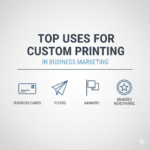
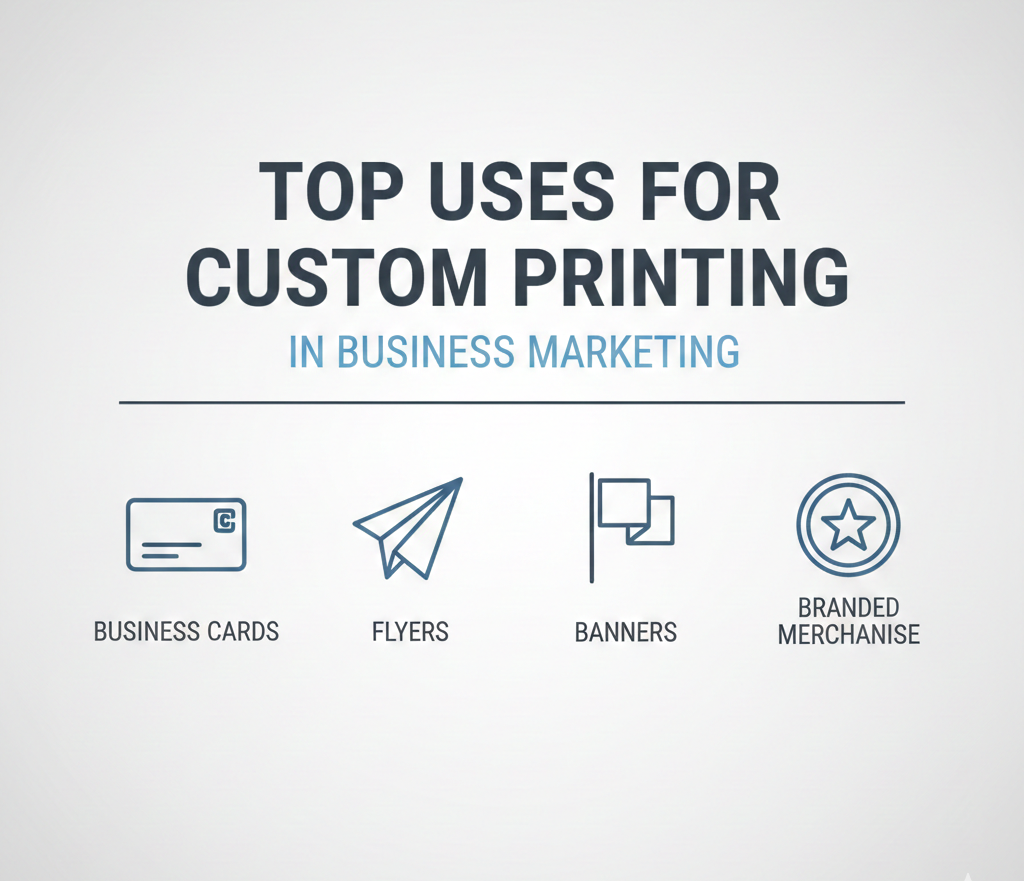
Top Uses for Custom Printing in Business Marketing

Custom printing is a simple yet effective way for businesses to strengthen their brand, reach more customers, and leave a lasting impression. Unlike digital-only marketing, printed materials create a tangible connection that people remember. Here are the top ways businesses use custom printing to drive results. 1. Business Cards Business cards remain one of the most important marketing tools. A well-designed card reflects professionalism and helps businesses leave a memorable first impression. Custom printing allows logos, brand colors, and finishes like embossing or spot UV, making the card feel premium. 2. Brochures and Flyers Brochures and flyers communicate detailed information about products, services, or events. Custom printing ensures the quality of images, text, and layout is high. These materials work well for trade shows, direct mail campaigns, and in-store promotions. 3. Packaging and Labels Custom packaging makes products stand out on shelves. Branded labels, boxes, or bags communicate quality and trust. Packaging with clear messaging, logos, or QR codes not only attracts attention but also reinforces brand identity with every purchase. 4. Promotional Items Printed items like mugs, T-shirts, pens, or tote bags are excellent for giveaways, events, or corporate gifts. These items turn everyday objects into marketing tools, keeping your brand visible long after the initial interaction. 5. Signage and Banners Signs, banners, and posters help businesses increase visibility locally. Printed signage can guide customers, promote offers, or create an impactful presence at events. Durable printing options ensure the graphics stay vibrant outdoors or in high-traffic areas. 6. Stationery Letterheads, envelopes, invoices, and notepads are small but powerful branding tools. Consistent printed stationery reinforces professionalism and makes every communication reflect the company’s identity. 7. Direct Mail Campaigns Even in the digital age, printed mail still drives results. Personalized postcards, catalogs, or newsletters delivered to a target audience can increase engagement. Custom printing allows for unique designs and tailored messaging that capture attention.
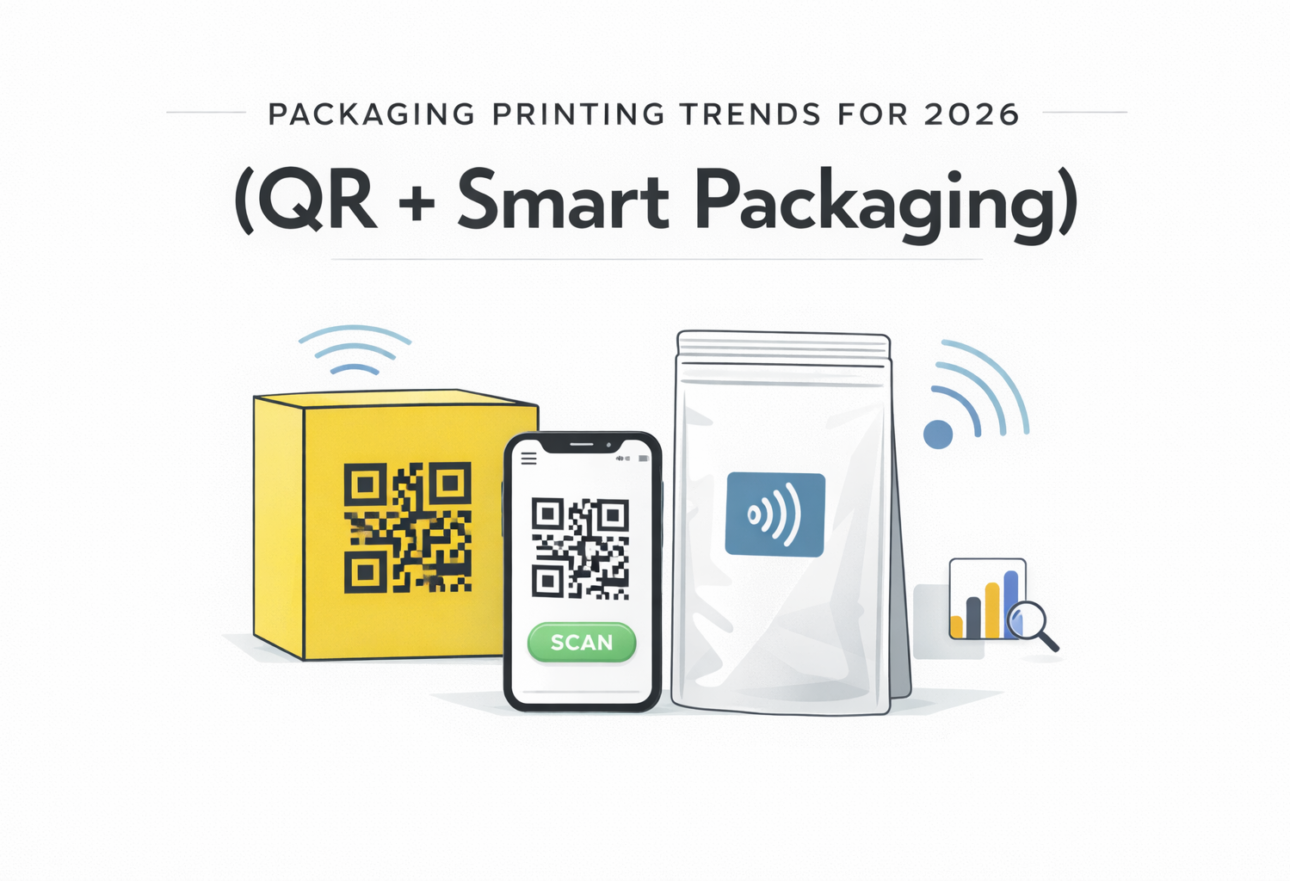
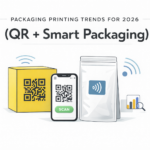
Packaging Printing Trends for 2026 (QR + Smart Packaging)

Packaging in 2026 is becoming more than a protective shell. It is now a communication channel, a data source, and an interactive experience that connects brands with consumers. Several printing and packaging trends are shaping the future, especially around QR codes, smart packaging, and digital integration. Smart Packaging with QR Codes and Digital Connectivity QR codes have moved beyond simple links to digital menus or coupons. In 2026, they are a core part of smart packaging strategies. Enhanced QR codes powered by GS1 Digital Link standards allow brands to update product information without changing the physical packaging. Scanning a code can now reveal full product origin stories, digital product passports, and supply chain details in real time Smart packaging also incorporates NFC and RFID technologies. These printed elements make packaging interactive, traceable, and secure. Used in food, cosmetics, and pharmaceuticals, smart labels help with freshness tracking, authenticity verification, and consumer engagement at the point of use. Digital Printing and Personalization Digital printing is reshaping how brands design and produce packaging. Unlike traditional methods, digital printing supports short runs, frequent updates, and rapid versioning without high setup costs. This makes personalization practical. Brands can include personal names, regional messaging, or limited‑edition designs on packaging, which strengthens consumer connection and loyalty. Personalized packaging also supports seasonal campaigns and test launches by reducing waste and managing inventory more efficiently. Interactive Consumer Experiences Interactive packaging is a growing trend where physical packaging becomes a bridge to digital experiences. QR codes, often combined with augmented reality (AR), let consumers access extra content such as tutorials, games, or storytelling sequences related to the product. These experiences can transform a passive purchase into a memorable brand interaction. This shift is especially strong in sectors like beverages, food products, and consumer electronics. Brands use these digital layers to extend engagement beyond the point of sale and build stronger relationships. Traceability and Transparency Regulations and consumer demand are pushing packaging toward greater transparency. Smart labels with QR codes allow brands to share detailed information on material sourcing, recycling instructions, and safety standards. This level of transparency helps products meet compliance requirements while improving consumer trust. Sustainability and Smart Integration Technology complements sustainability goals. Smart packaging helps reduce waste by supporting right‑sized information distribution—extra product details go on digital platforms instead of crowded physical labels. Sustainable materials such as recyclable paperboard and mono‑material films are also becoming standard, blending smart technology with eco‑friendly printing choices.

Rush-printing-in-usa-atlanta-marietta-sandysprings-johnscreek

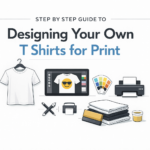
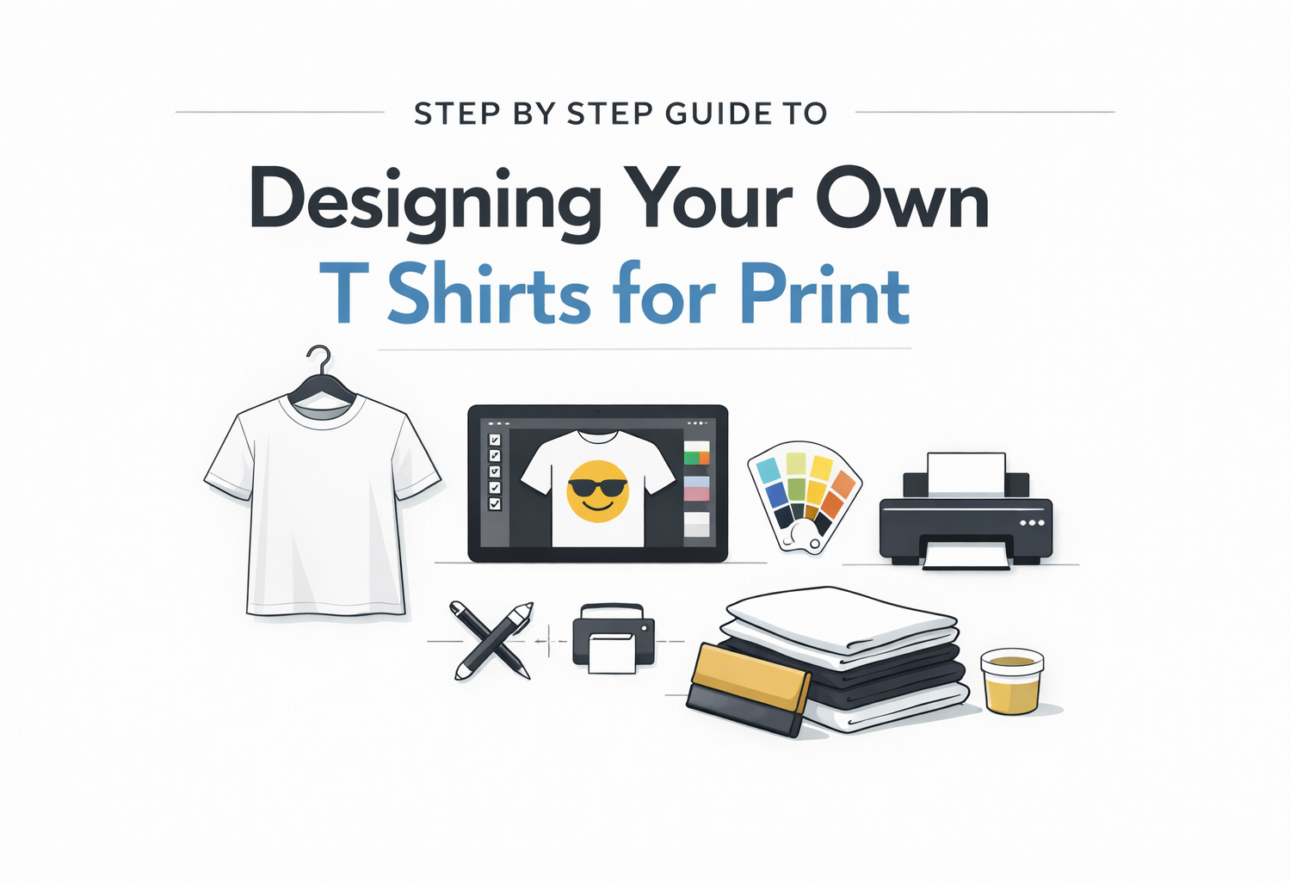
Step by Step Guide to Designing Your Own T Shirts for Print

Designing a T shirt for print is not about creativity alone. It is about preparing artwork that prints correctly. Most print problems happen because files are not set up properly. Follow these steps to avoid wasted shirts and reprints. Start by defining the purpose of the T shirt. A design for staff uniforms is different from a design for events or promotions. Purpose determines size, placement, color use, and printing method. Decide this first before working on any artwork. Choose the shirt color and fabric early. Cotton works best for screen printing. Polyester or blends are used for sportswear and sublimation. Shirt color affects ink visibility. Light designs do not work on light shirts. Dark shirts need high contrast artwork. Select the printing method before finalizing the design. Screen printing works best for bulk orders with limited colors. DTG printing supports detailed and multi color designs but costs more per shirt. Heat transfer and vinyl work well for names and numbers. Sublimation works only on light polyester shirts. Create the design using proper software. Use tools such as Adobe Illustrator, Photoshop, CorelDRAW, or Canva Pro. Avoid screenshots or copied images from the internet. These files usually print blurred and pixelated. Set the design at actual print size. A standard front chest design is usually 10 to 12 inches wide. A left chest logo is about 3 to 4 inches. Back prints can be larger depending on shirt size. Never rely on scaling during printing. Use high resolution artwork. Files should be 300 DPI at full size. Vector files are preferred because they scale without quality loss. Accepted formats usually include AI, EPS, PDF, PSD, or PNG. Choose colors carefully. For screen printing, fewer colors reduce cost and improve consistency. Avoid gradients and very thin lines unless using DTG printing. Confirm color mode with your printer. Some require CMYK or spot colors. Check readability and contrast. Text should be readable from a distance. Thin fonts and small details may not print cleanly on fabric. Always preview the design on the actual shirt color. Export the file exactly as requested by the printer. Flatten layers if needed. Remove unused elements. Check spelling and alignment before sending. Good printing starts with correct preparation. Clear files, correct sizing, and early communication prevent mistakes and save time.

Select the fields to be shown. Others will be hidden. Drag and drop to rearrange the order.
  • Image
  • SKU
  • Rating
  • Price
  • Stock
  • Availability
  • Add to cart
  • Description
  • Content
  • Weight
  • Dimensions
  • Additional information
Click outside to hide the comparison bar
Compare